

Shipped This Week
Quick Capture, ChatGPT/Claude integrations, template tools for the Agent, and fixes for work in the field
·3 min read
Hey there! Nick here from Hometrace. Lots of good stuff this past week.
Quick Capture
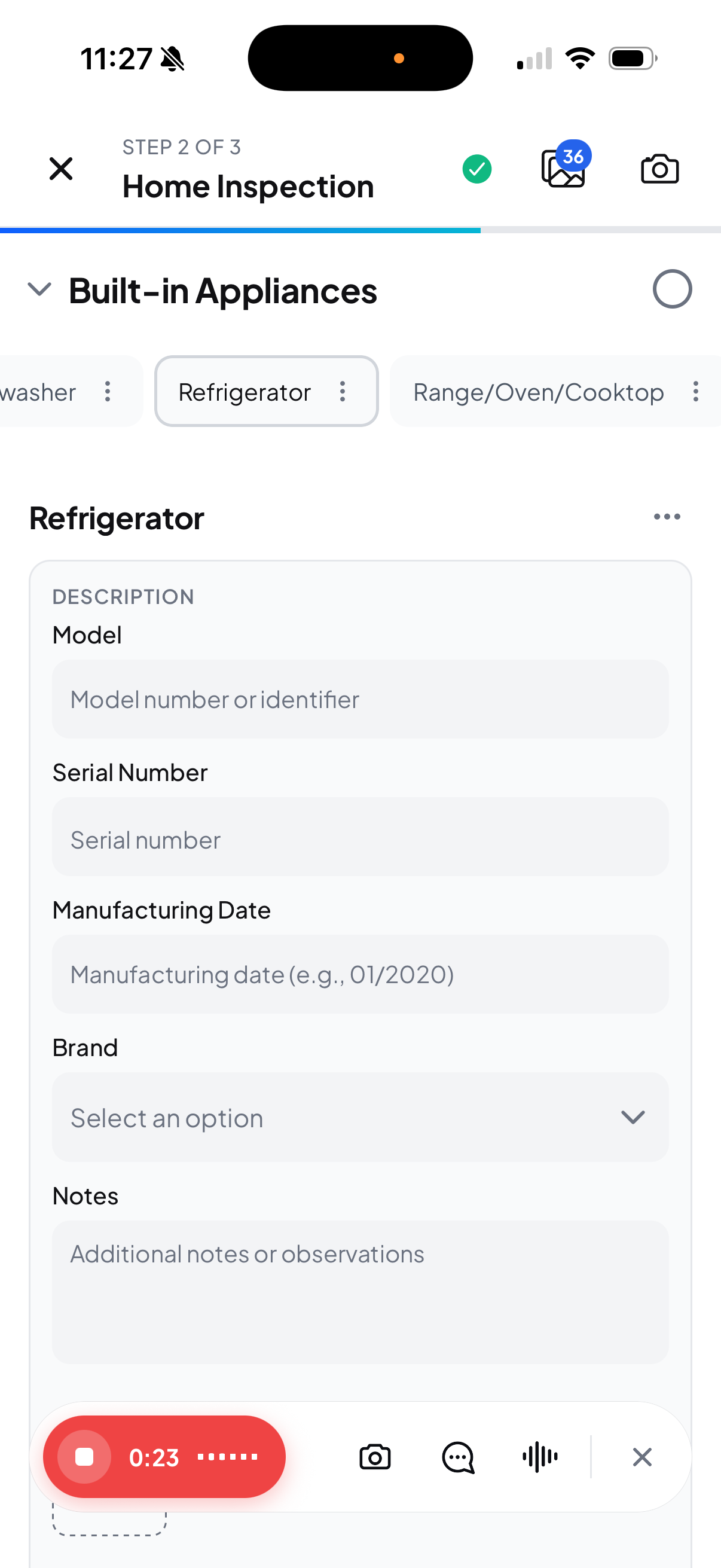
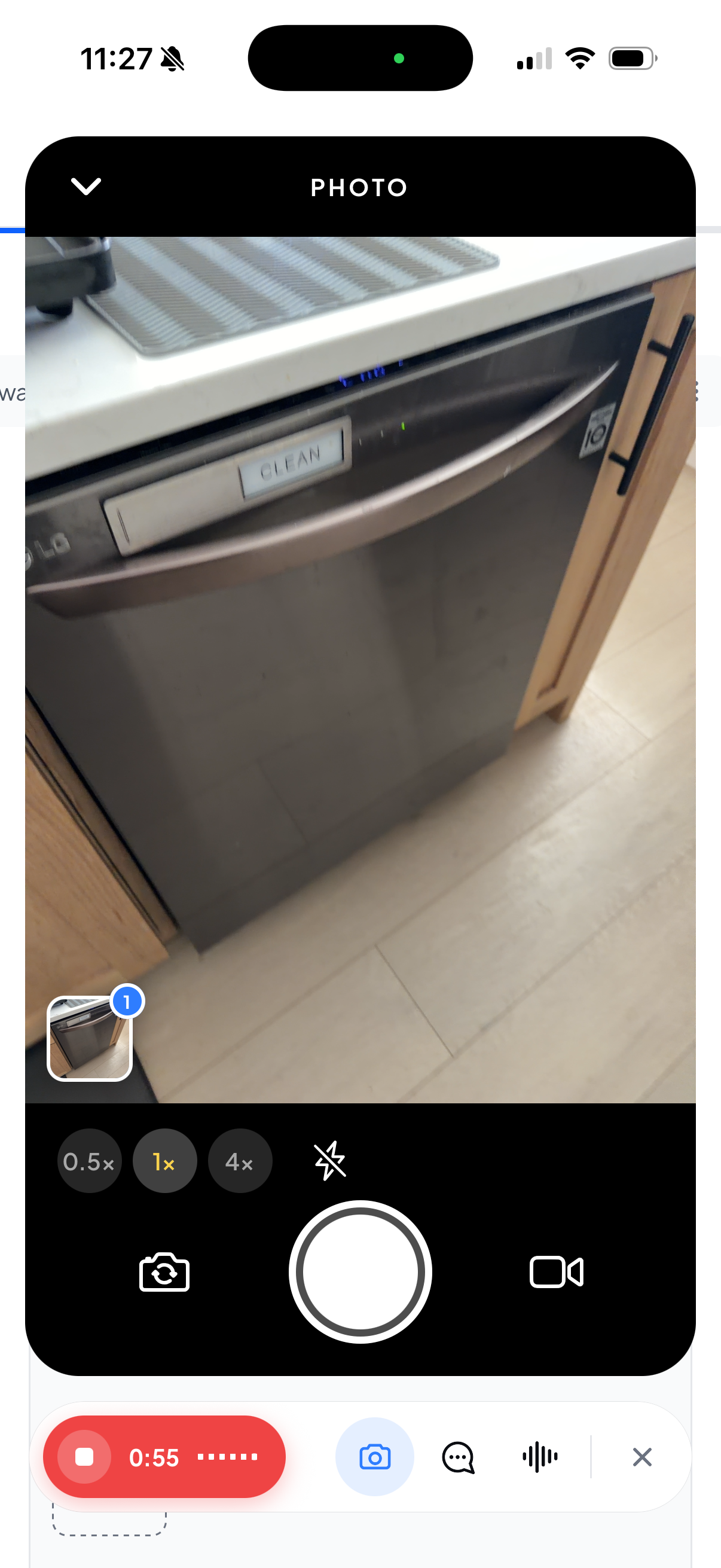
- Talk and take photos without futzing with your template. In the mobile app, long-press the Agent button, describe what you see, take photos, and tap Stop. Hometrace files the batch while you move to the next item. Quick Capture walkthrough and screenshots.
- Keep capturing without a signal. Quick Capture saves dictation on your device and sends it when your connection returns. Update the app, try one room, and check what was filed.
- Keep the conversation and review together. Requests from your phone and the web share one thread. Use Review inside an inspection to check findings and photos, or Changes outside it to review account edits. Review and undo changes.

ChatGPT and Claude
- Work on your report from the AI app you already use. Also announced this week: connect ChatGPT or Claude to find inspections, read reports, and edit findings in Hometrace. You need an active Hometrace trial or paid plan and a supported assistant account. Review its edits before delivering. Connection requirements and setup.
More Report Settings, Preview Report PDFs
- Check the PDF before it goes to your client. Download a draft PDF from your report preview and make changes before publishing.
- Choose what appears in your report PDF. Turn the table of contents or cover item count off in report settings. Both stay on unless you change them.
- Keep imported report details together. General Information now appears in the standard PDF for imported reports.
- Review the right unit and see when checks ran. Filter AI changes by unit on multi-unit inspections. Final Checks now shows when the check actually finished.
Templates and Hometrace Agent
- Tidy duplicate template notes. Ask the agent to help clean them up and review what changed. Use the confirmation and Undo controls when offered. Review and undo changes.
- Keep shared templates protected. Template edits are limited to the account that owns them.
- Fill appliance details from a plate photo. The agent can read the plate and fill fields it can determine, including manufacture date when the serial number supports it. Check the results against the photo. Photo analysis guide.
- Choose when to analyze photos. Use Analyze on an item or Analyze All in the album.
- Get back to the right place. Ask the agent to open a report area. On the web, question buttons in earlier messages work again. Agent guide and overview video.
In the field
- Recover from an interrupted agent request. Failed requests now show a retry path. Check what already reached the report before trying again.
- Keep other edits moving after a price change. Mobile price changes no longer hold up the rest of your work from updating.
- Open inspections more smoothly. The extra Loading flash is gone.
- See the whole review label. Review AI edits now fits on Review & Send.
- Trust the photo count. Album counts stay accurate while photos upload.
For inspectors on a trial
- Add a code you missed at signup. Eligible personal trials without a card, billing history, or an existing code can enter a partner or referral code in billing settings. Partner trial extensions count from your original trial start; customer referral codes record the referral.
For invited partners
- Check your referrals in one place. Partners with portal access can view referrals, agreement details, earnings, and payment history.